
Most accounts software packages now allow the user to attach documents to a transaction enabling an image of the original document to be easily retrieved.
The problem that occurs is that it can be very time consuming to individually scan each document as a separate file ready to be uploaded and attached to the transaction.
WE HAVE THE SOLUTION.
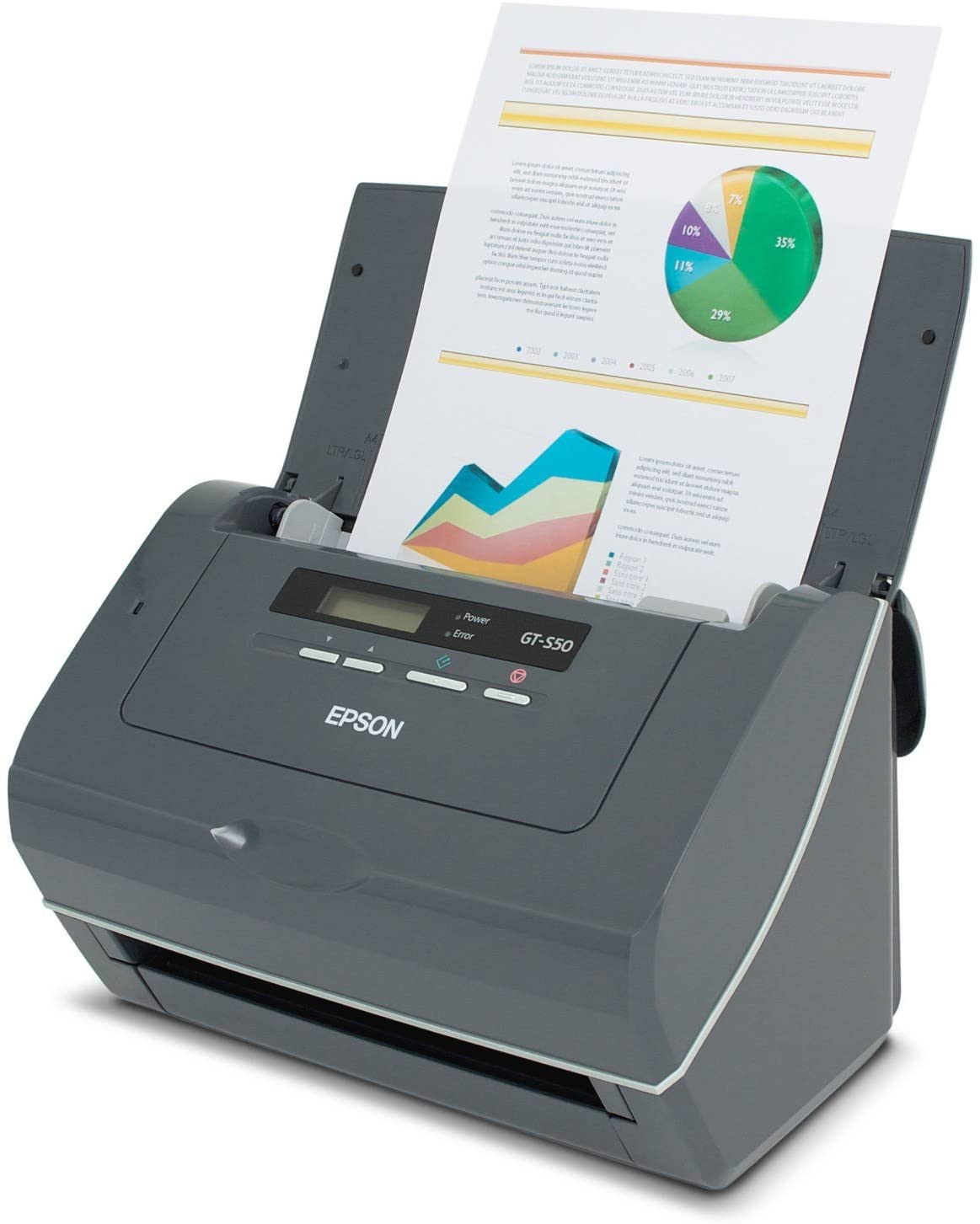
Simply load all of your documents into your scanner and create a single PDF holding all the pages.
Modern scanners are quick and can scan 85+ pages per minute.
Once you have your PDF, open PDFSpltter.
Select the PDF you have just created, specify an output folder and enter the prefix to be used for the single page files.
Then click on “Process” and all your pages will be separated into single files.
For example from a file “Purchase Invoices” select an output folder and enter a prefix of “Document”.
If you have a 100 page PDF the software will then create 100 PDFs named Document-0001.pdf to Document-0100.pdf.
At Amlink we use the Epson GT-S55 scanner which has served us flawlessly, however there are many great scanners available on the market. We recommend purchasing a dedicated scanner if you have more than a few documents a day to scan. For a recommendation and a bespoke solution to meet your needs give us a call on 0121-249-0331.
The PDFSplitter software is regularly updated with new features and is priced at £9.99 per year. You can download a 30 day trial of the software.
Recent Comments